Free pretend store printables (PDF)
Print, cut out and open a store at home or in class. The free KidRoles: Shop app scans the QR codes on the product cards — but the kit works without a phone, too.
What the kit looks like
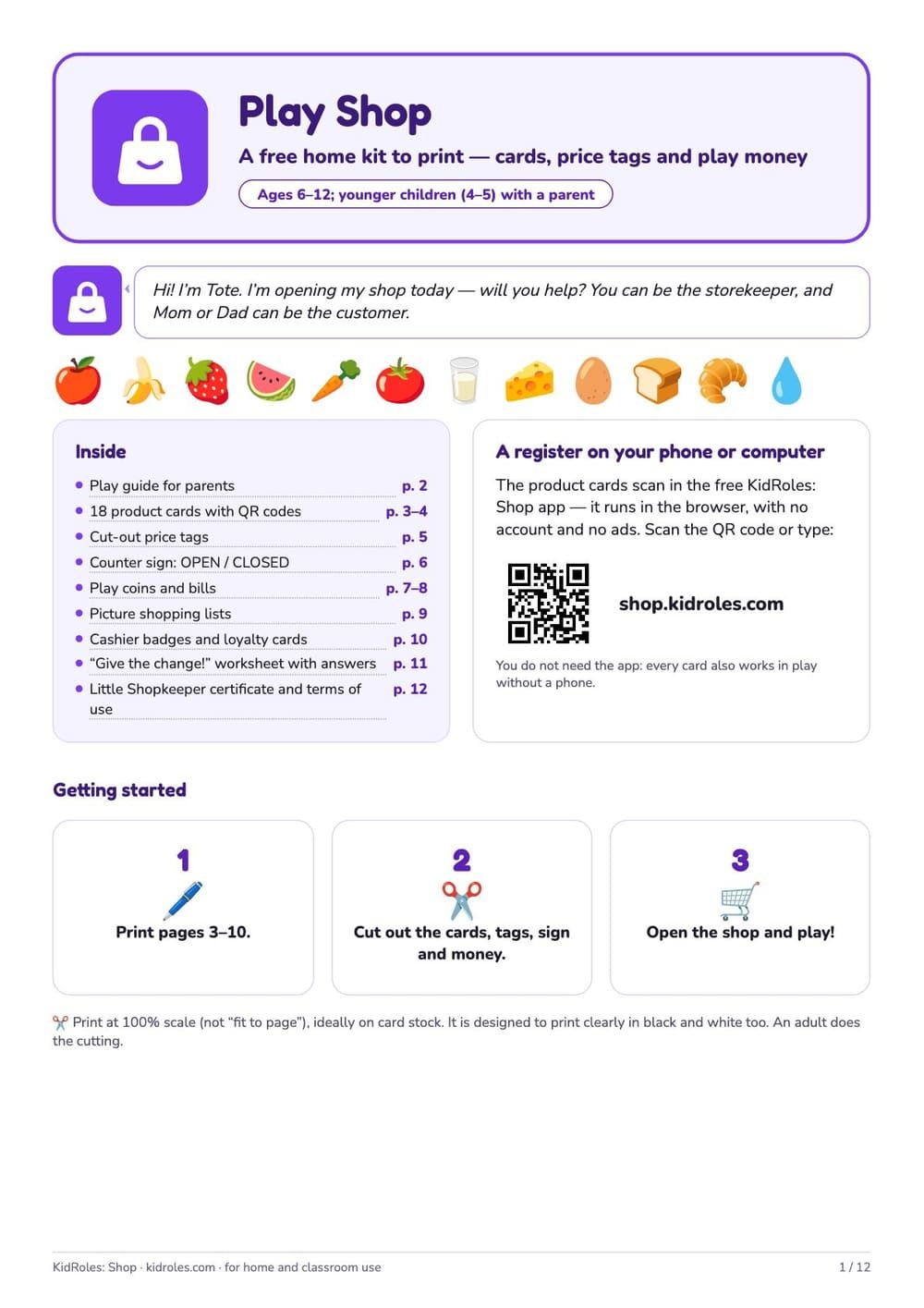
Cover: page list, 3 steps to start and a QR code to the app 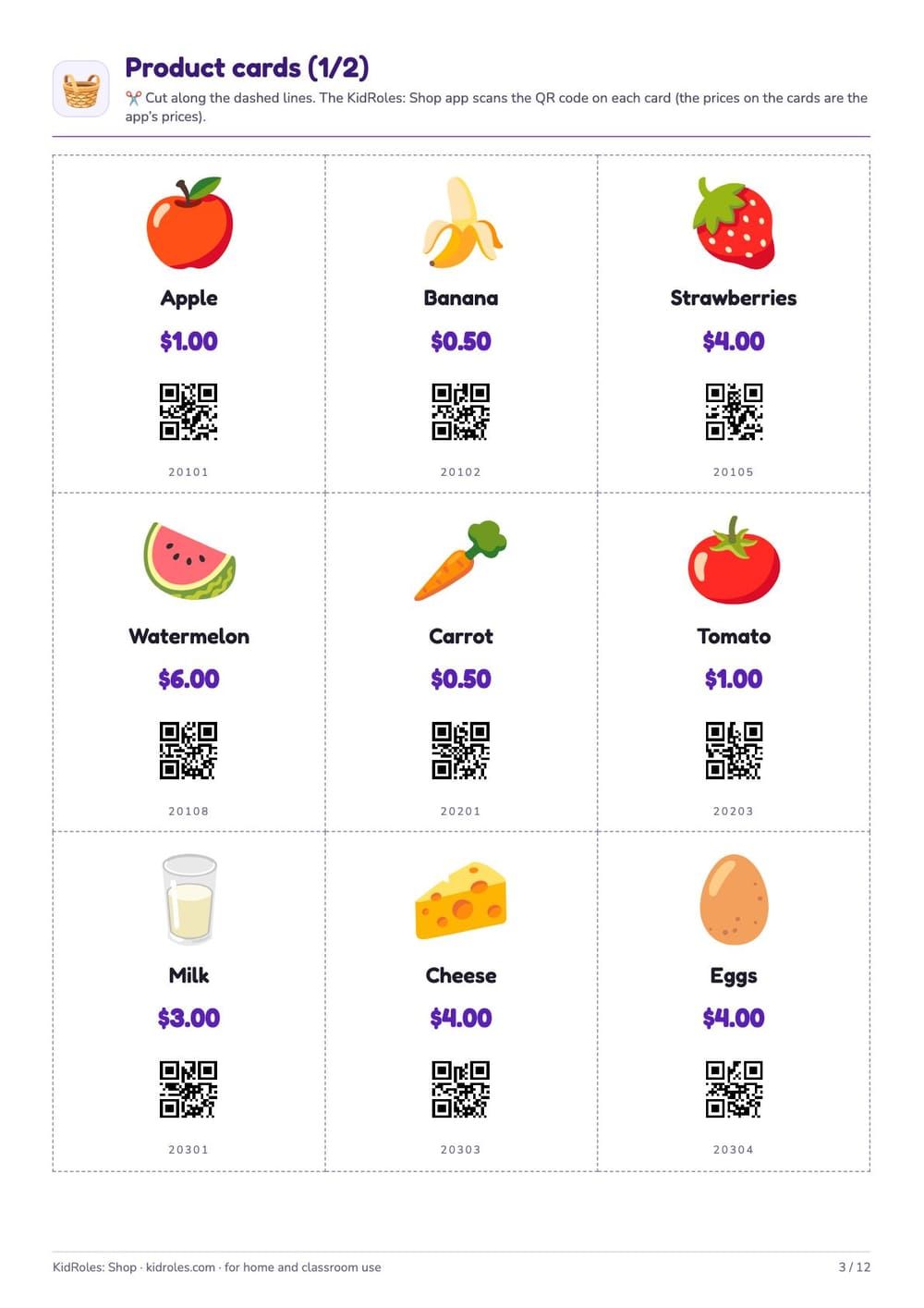
Product cards with prices and QR codes 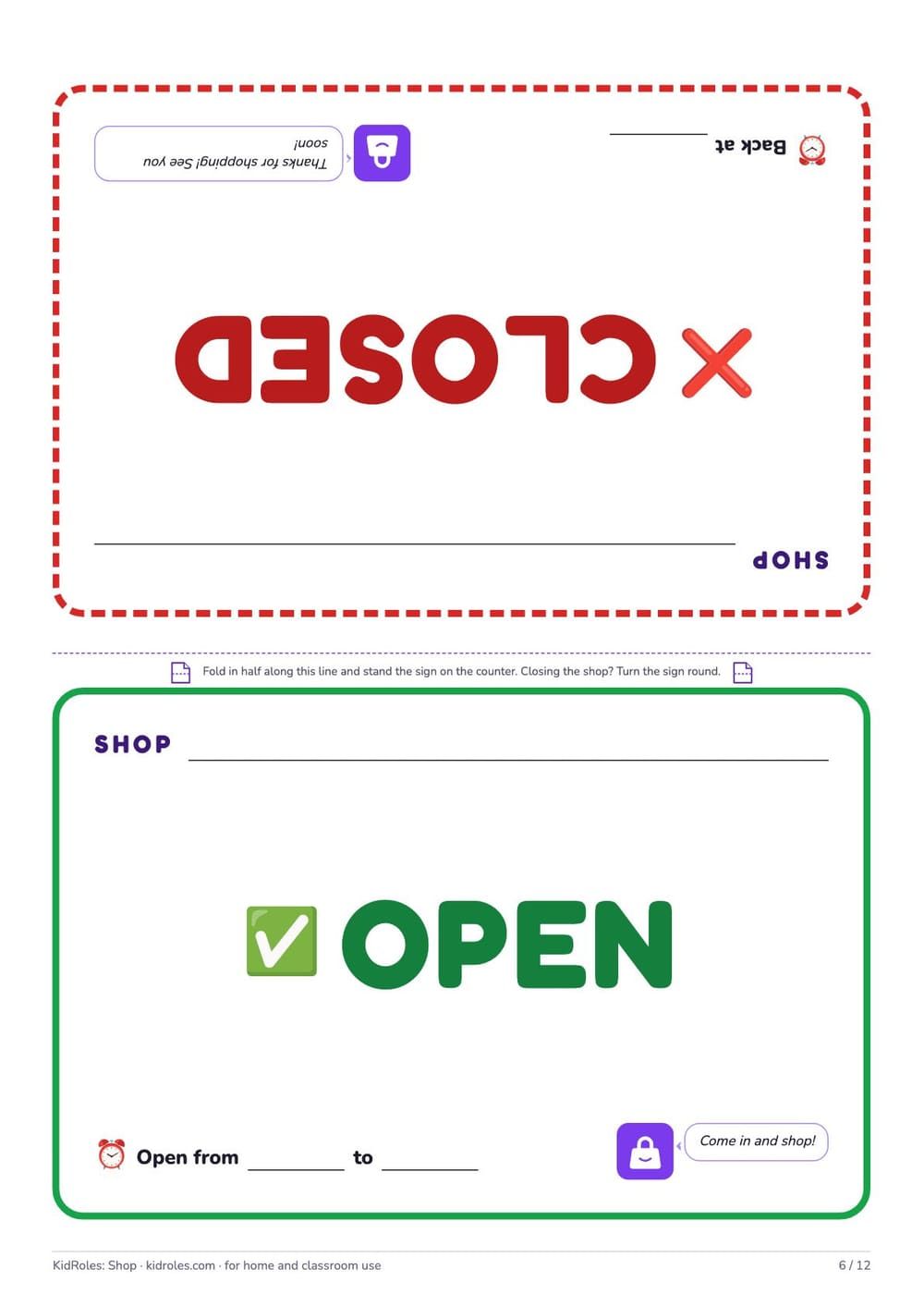
Counter sign: OPEN / CLOSED 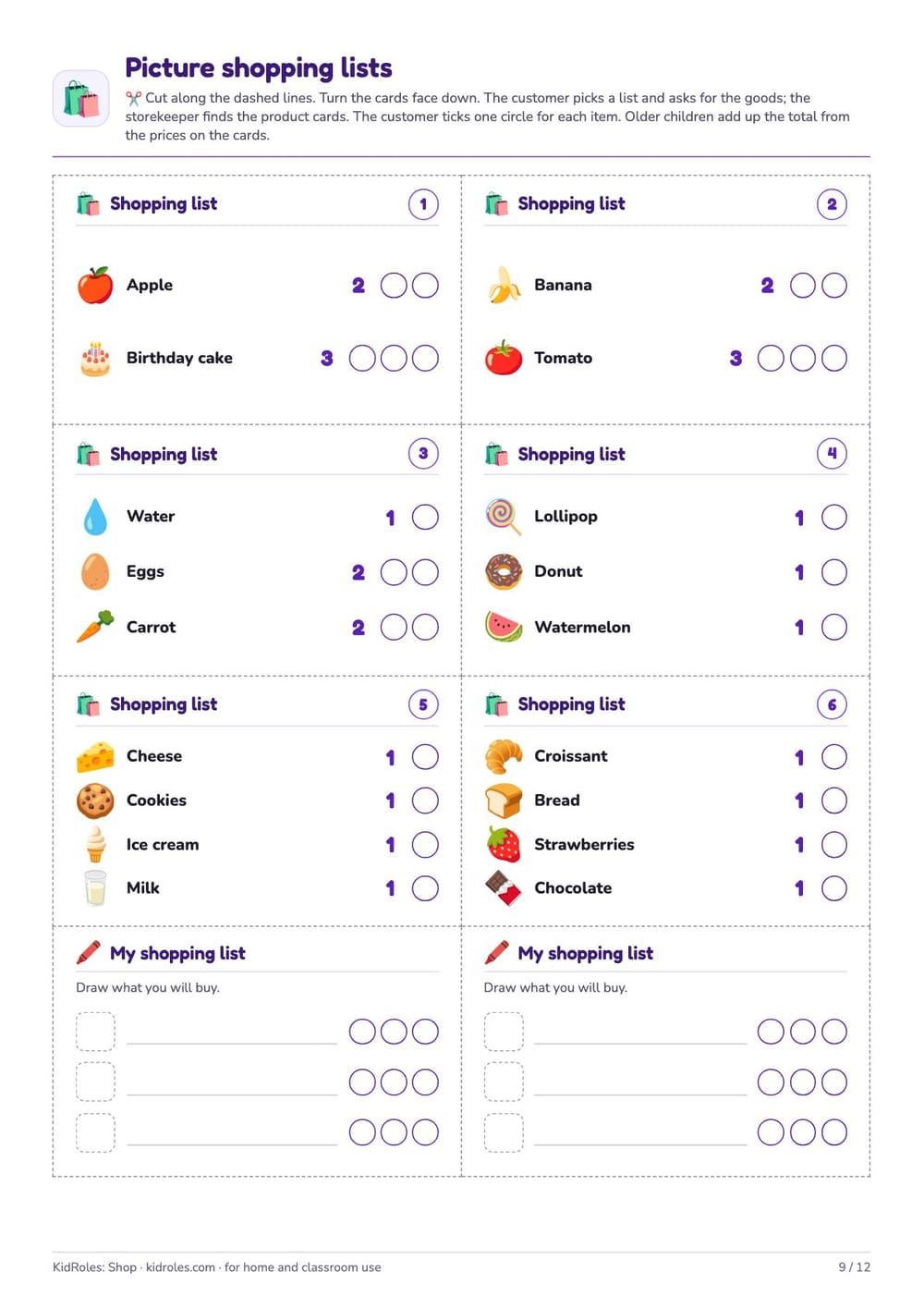
Picture shopping lists for the customer 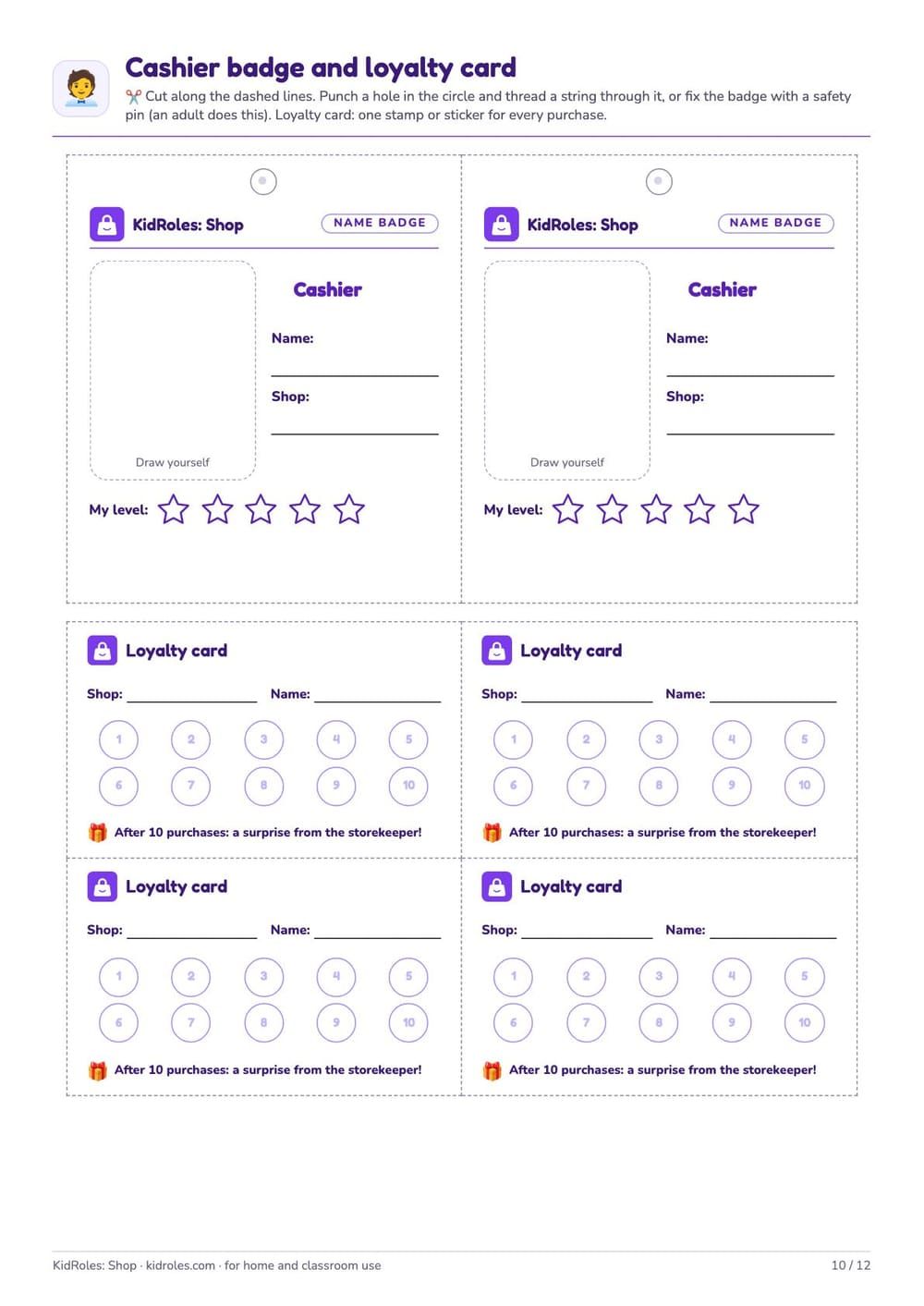
Cashier badges and loyalty cards 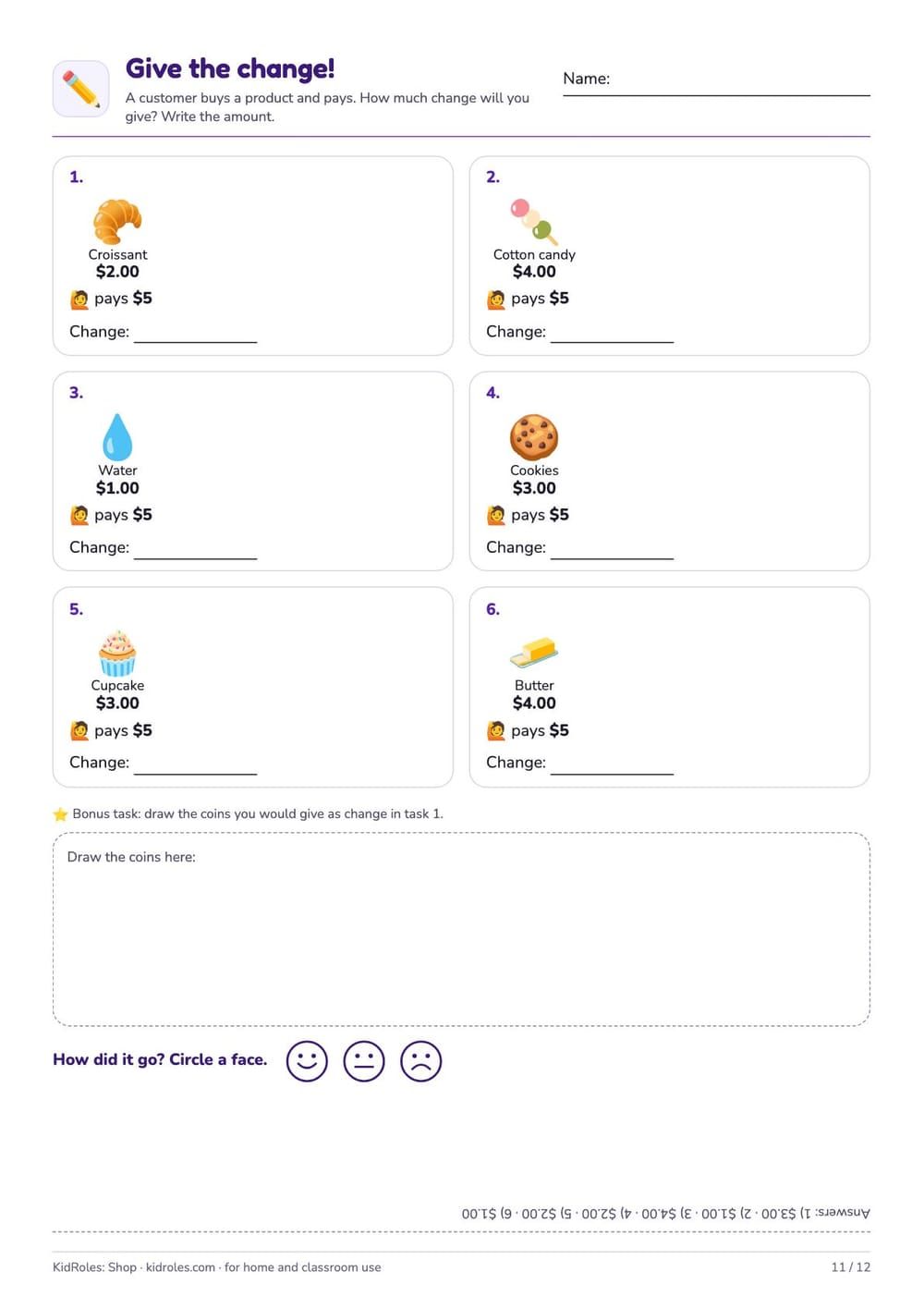
“Give the change!” worksheet
What’s in the kit
- A short how-to-play guide for parents: steps, difficulty levels and a shopping list
- 18 product cards with QR codes and prices in dollars
- Price tags to cut out, blank ones too — for your own prices
- A fold-up counter sign: OPEN / CLOSED, store name and opening hours
- Play coins and bills — they don’t look like real money
- Picture shopping lists for the customer — for kids who can’t read yet, too
- Cashier badges and loyalty cards with spaces for stamps
- “Give the change!” worksheet (6 problems, answers printed upside down)
How to print
- Print at 100% scale (not “fit to page”) so the cards and money come out the right size. The kit is A4; on US Letter choose “actual size”.
- Thicker paper works best. Color is optional: a black-and-white printout is easy to read too.
- Pages 3–10 are all you need to play; print 2–3 copies of the bills.
- An adult does the cutting, or a child with an adult’s help.
With the app: scan a card with your phone
The QR code on each card is a product code from the KidRoles: Shop starter catalog. Turn on “Scanner” in the Shop and scan the card — the product lands in the cart at the price on the card (as long as you haven’t changed prices in the app). In Customer mode, scanning a card hands over an item the customer asked for.
Terms
The kit is free. You may print it for your family and your own class, including several copies. Don’t sell it or share the file online — share a link to this page instead. The money in the kit is for play only.
Free classroom materials
Grocery store dramatic play
A ready lesson for the whole class: setting up the center, roles, and how the play runs step by step.
Open the lessonA store with ChatGPT or Claude
Ready prompts: the assistant picks products and prices for your class’s age and gives you a link to the store.
Ready promptsFor preschools & schools
A sample lesson, curriculum links, rollout and invoicing for your school.
Page for schools
Prefer to plan your own lesson? ChatGPT prompts for teaching money (K–3) →
How to set up a store center for a group — props, signs, roles and running it — is in our guide Grocery store dramatic play: setting up the center →