Pretend play store — the game that teaches kids to count money.
KidRoles: Shop is a real cash register for your child — scan products, make change, earn coins and level up. Works offline, with no accounts and no data collection.
Your phone becomes the register’s scanner.
Pair your phone with the register using a single QR code — every scanned product lands straight in the cart. All in one app, no extra devices.
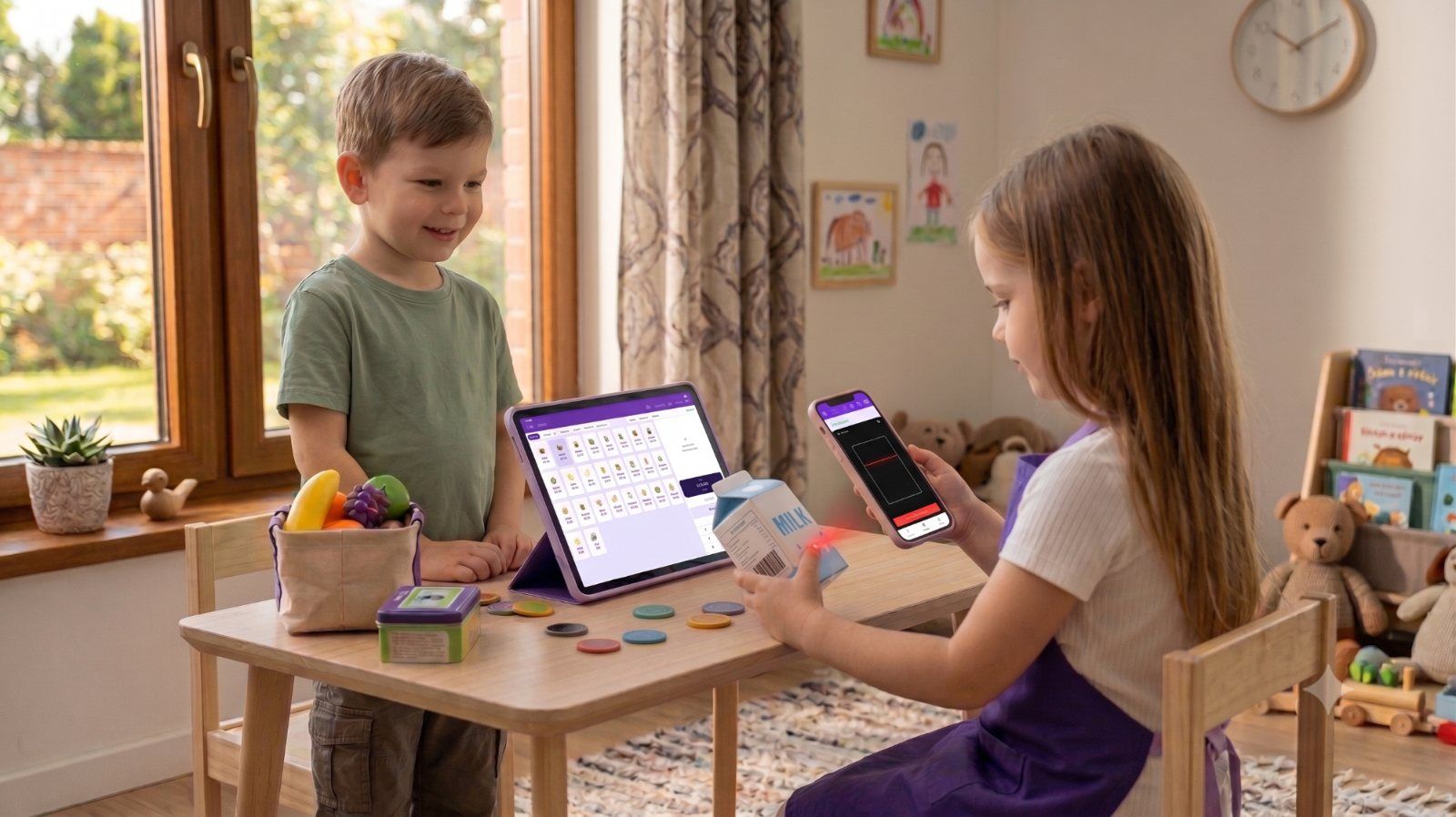
Three steps to your own shop.
Add or scan products
Build your product list by hand or scan barcodes — a phone can work as a wireless scanner for the register.
Sell and count change
Your child rings up items, takes payment and makes change on the keypad. Real math through play.
Coins and levels
Correct change earns coins, and coins unlock new cashier levels — motivation to keep playing and counting.
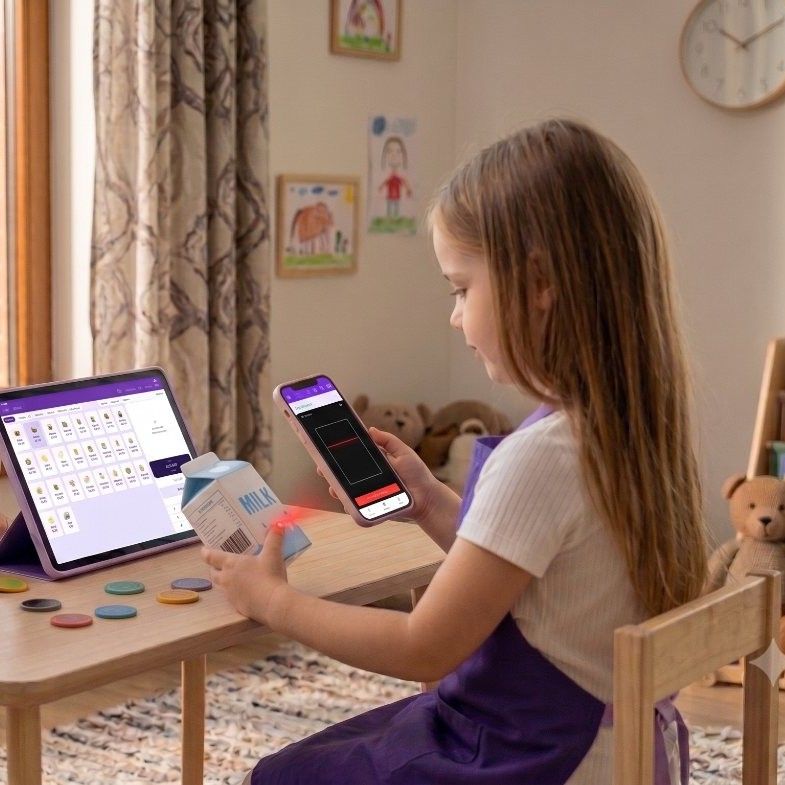
A real “beep” — no extra hardware.
Tap “Scanner” in the Shop and the device’s camera reads barcodes. You can also pair a phone with the register using a single QR code: your child scans the barcode on any package, hears the beep and sees a big confirmation — and the item shows up in the cart on the tablet at the same moment.
Everything a little shop needs.
Works offline
The whole game works with no internet: sales, change, receipts, coins and levels keep going in the car, on a trip or in a classroom without Wi-Fi. No ads and nothing loading in the background. The network is only used to pair a phone as a scanner, to send feedback and, if you turn it on, to suggest product names.
Customer mode
Solo play: a customer puts items on the belt, and your child finds them in the product grid and rings them up — by tapping or with the camera. Ten customers, each with a personality, and little scenes: a birthday cake, later a forgotten wallet or a special offer. Three difficulty levels; higher up the customer pays with a banknote and waits for change, and at the top they hurry.
Scanner and play cards
The “Scanner” button turns a tablet or phone camera into a barcode scanner, like a real checkout, with no toy scanner needed. You can also pair a phone with the register as a wireless scanner. Print the products from the ready-made sets as play cards for pretend store: icon, name, price and code.
Zero personal data
No accounts, no tracking. Everything stays on the device.
Multiple cashiers
A profile for every child — with an emoji or their own photo. One tap to open the till; switch on a PIN “like a real store” in Settings.
Shop themes
Your own colors and style. Each cashier also keeps their own theme, payment style and sounds — switch cashiers and the shop changes with them.
The KidRoles series is growing.
Start with Shop. We add more roles over time — one app, many jobs.
KidRoles: Shop
A cash register and cart simulator. Counting money, scanning, making change — plus a solo Customer mode with ten customers and little scenes.
Play free →(opens in a new tab)KidRoles: Doctor
Step into a doctor’s shoes — checkups, diagnosis and patient care. In the works.
More roles on the way
Firefighter, cook, vet… Got an idea for a role? Write to us.
I’ll let you know when the next role lands.
Leave your email and I’ll write once — when KidRoles: Doctor is ready. No newsletter, no ads.
Saved. I’ll be in touch when there’s something to show.
Your address is used for this one notification only. One email to us unsubscribes you.
For home and for the classroom.
Home
- Learning to count money through play
- No ads or in-app purchases
- Works offline on tablets and phones — landscape too
Preschool, kindergarten & school
- A ready-made “play store” activity
- Group profiles (PIN optional)
- No children’s data collected
After-school & therapy
- Practicing math and social roles
- Adjustable pace and difficulty
- Montessori-friendly, calm interface
KidRoles for preschools, schools and after-school programs →
Setting up a store center for the whole class? Grocery store dramatic play — setting up the center →
Zero personal data. Everything stays on the device.
No accounts, no tracking, no ads. We design KidRoles so parents and schools can rest easy.
Ask for detailsGame data never leaves the phone or tablet.
No banners or in-app purchases in your child’s game.
A Parent PIN — or, without one, a grown-ups-only multiplication question (on by default in a new install) — guards Settings, product editing and clearing the history; external links ask a grown-up too. Forgot the PIN? Solve a multiplication to switch it off — no accounts, no data lost.
This is what it looks like at the table.
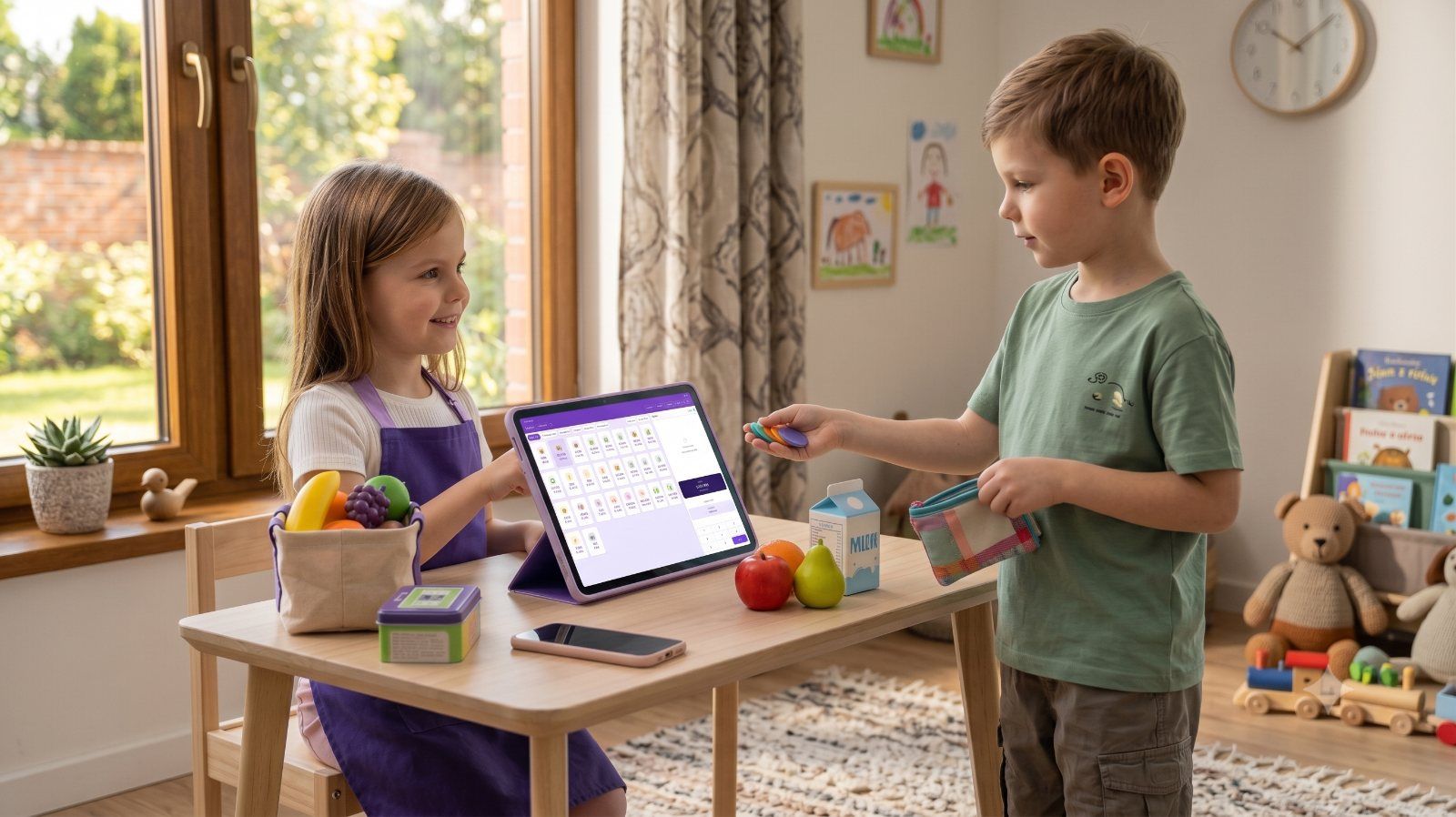
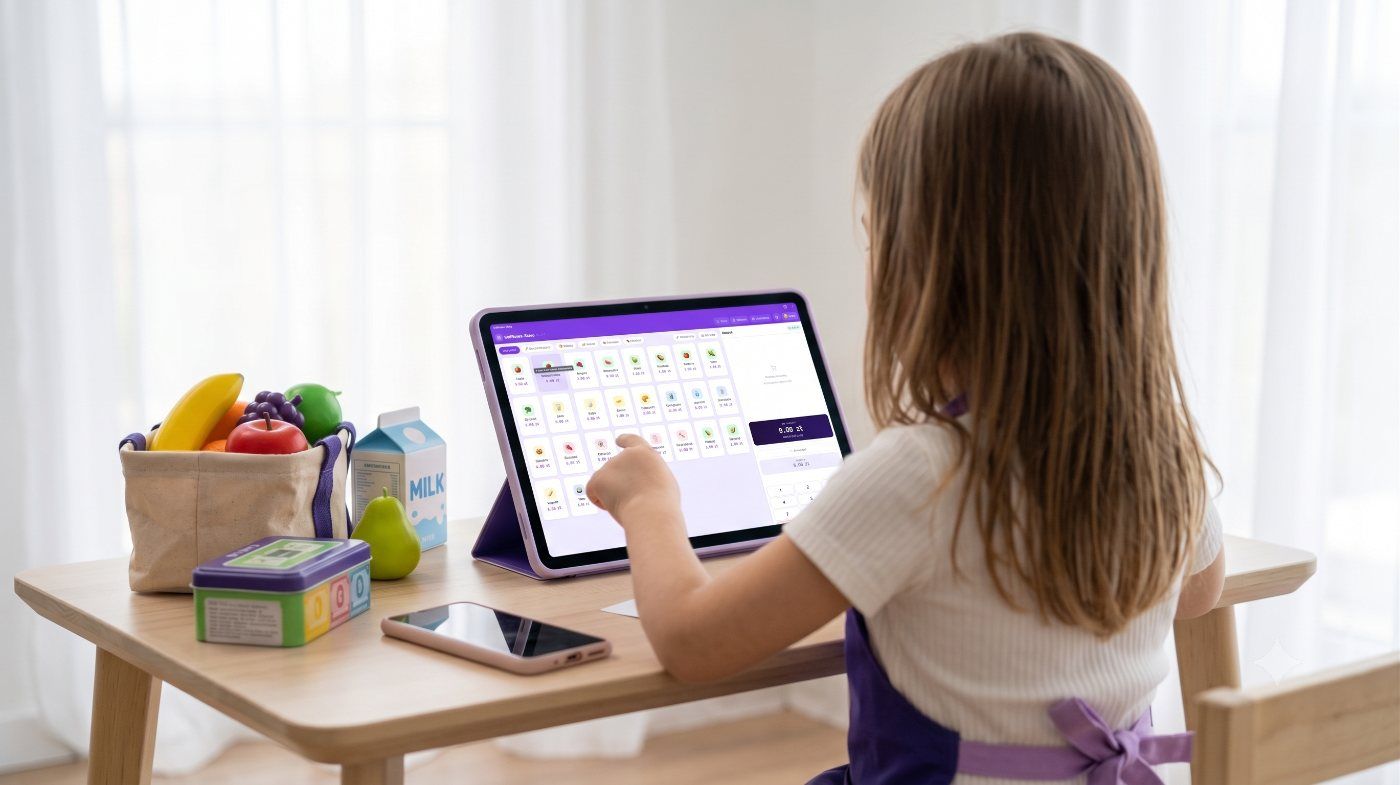
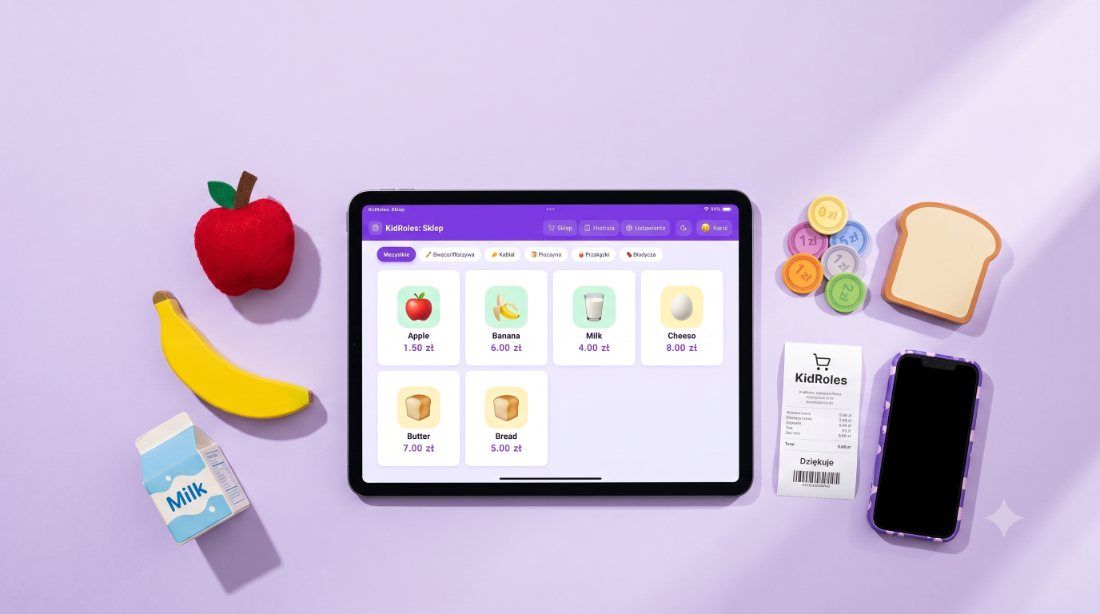
See KidRoles: Shop in action.
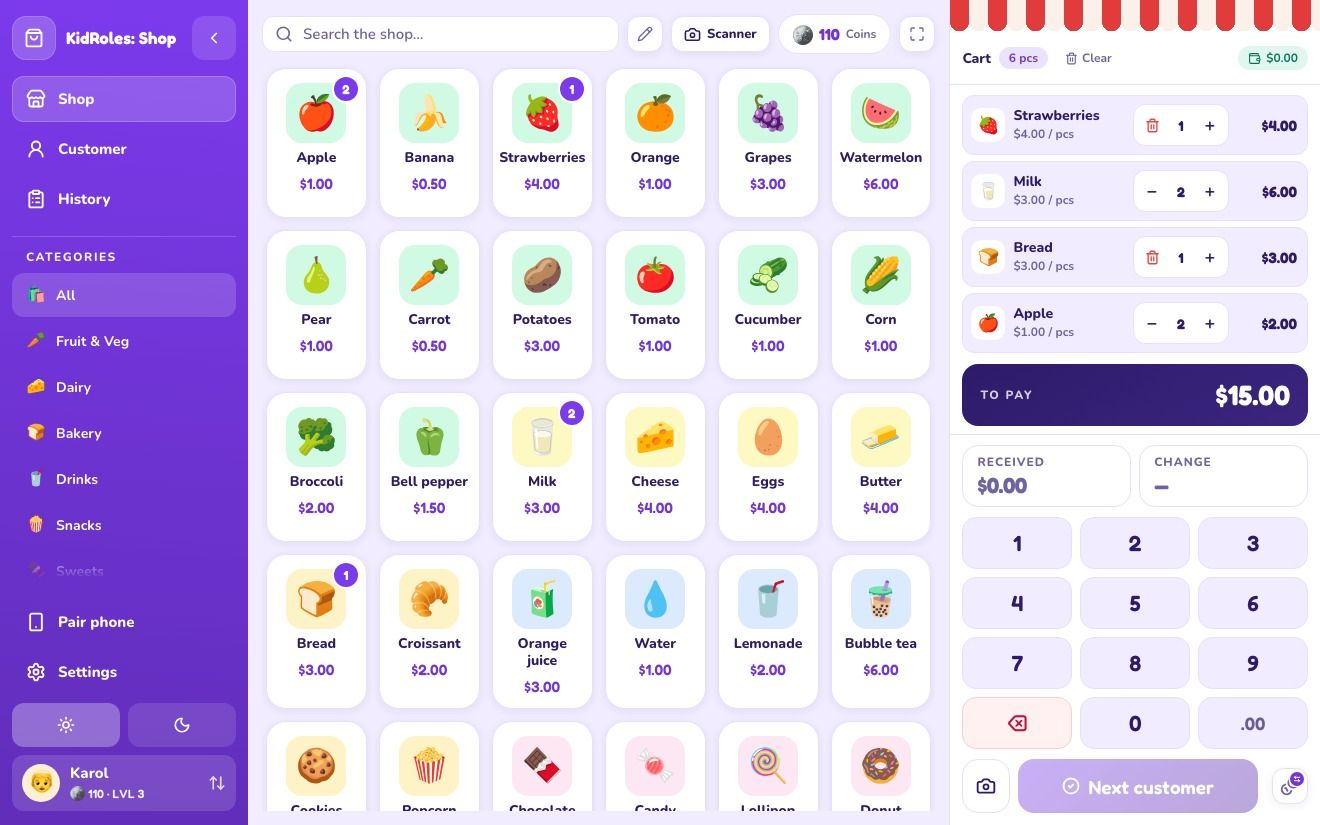
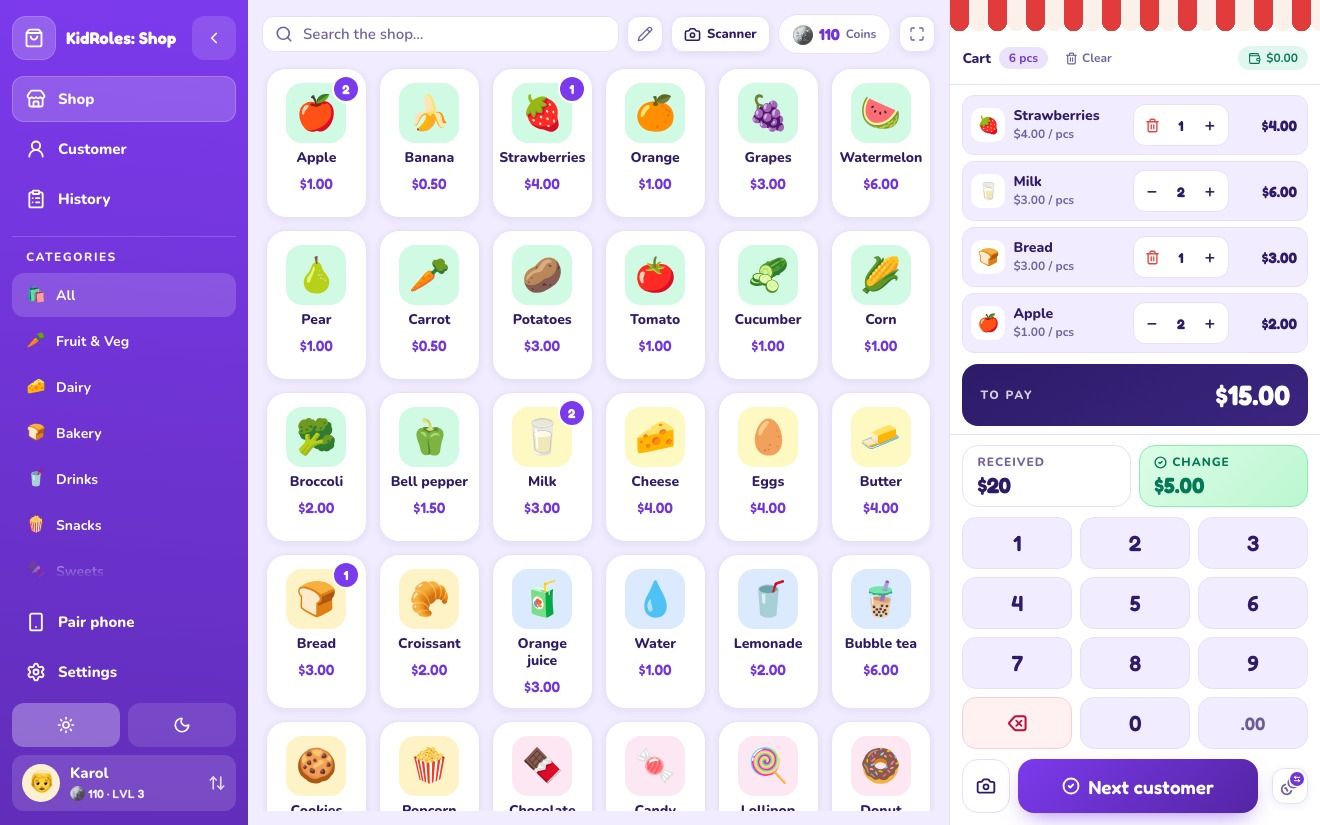
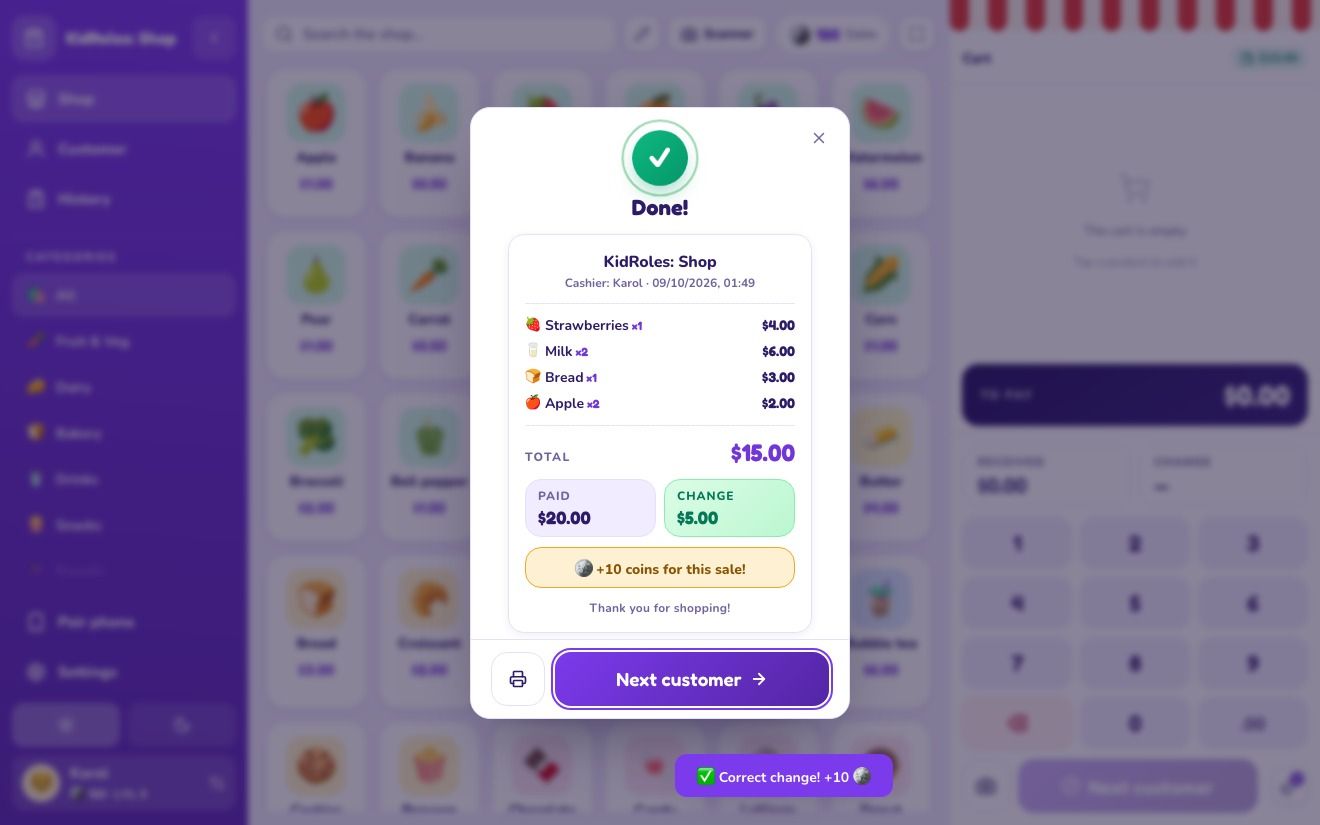
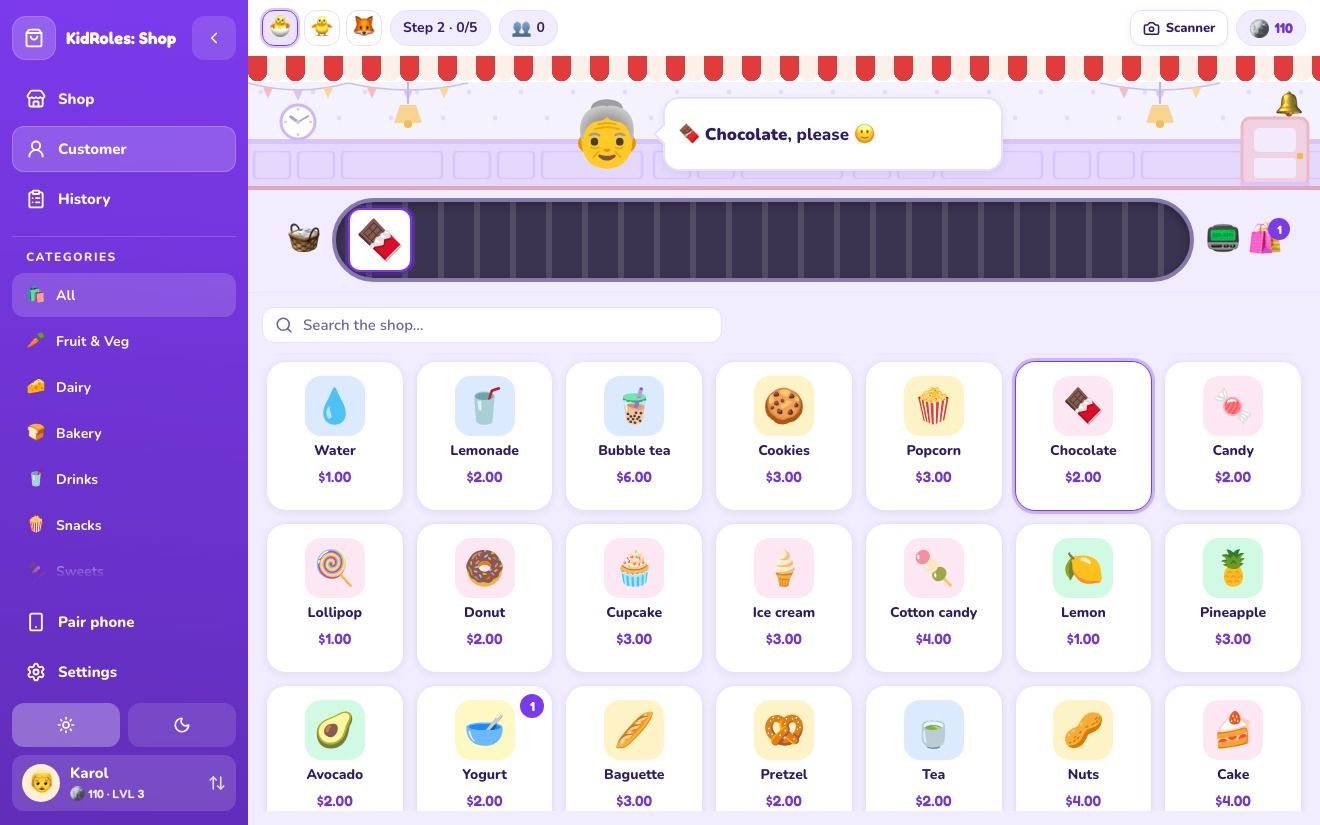
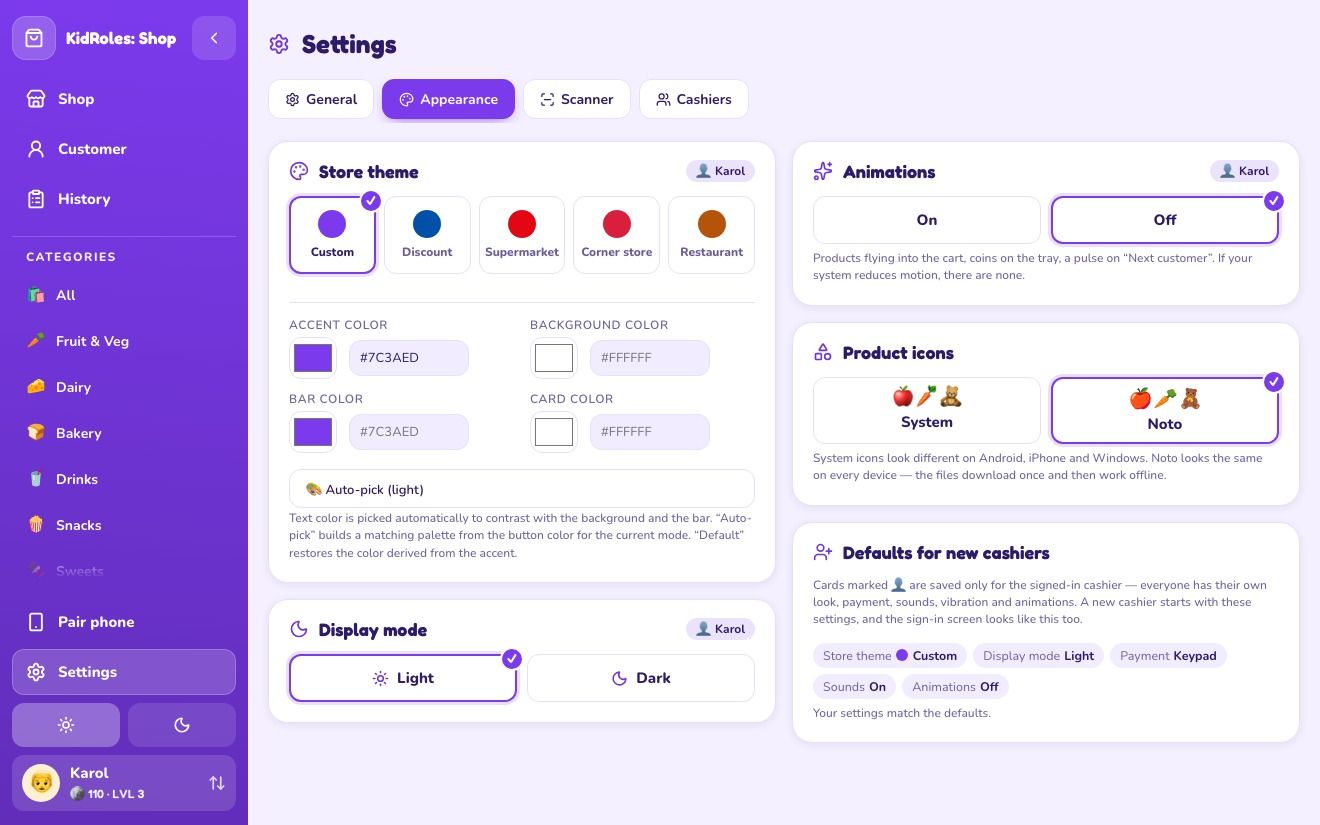
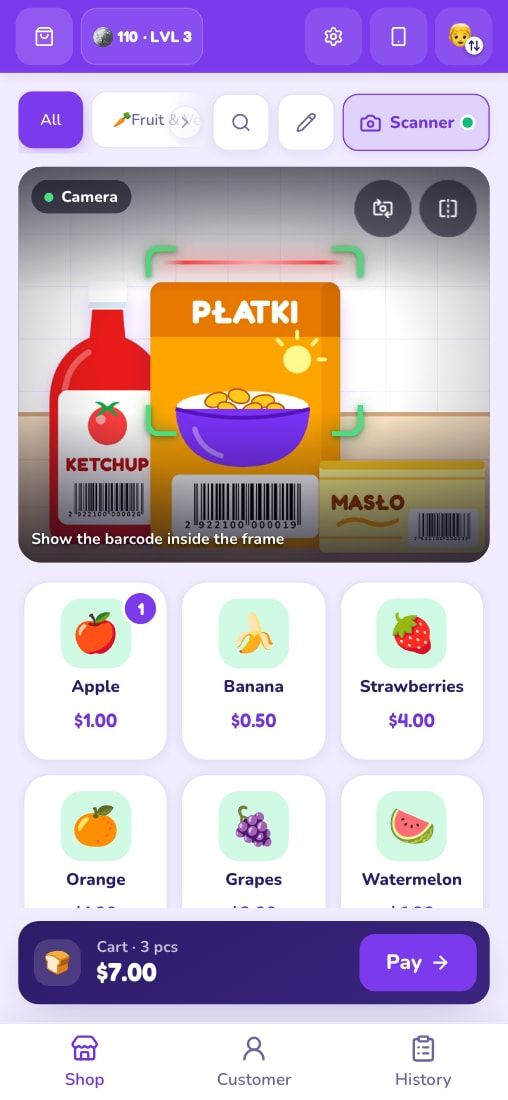
43 products to start — and you can add your own.
Fruit and veggies, dairy, bread, drinks, snacks and sweets — no alcoholic drinks, but there is a cake. Every product has a price you set yourself — so your child learns to count with real amounts.
 Toys
Toys Electronics
 Supermarket
 Apple
Apple Banana
 Strawberries
 Orange
 Grapes
 Watermelon
 Pear
Pear Carrot
 Potatoes
 Tomato
 Cucumber
 Corn
Corn Broccoli
 Bell pepper
 Milk
Milk Cheese
 Eggs
Eggs Butter
 Bread
Bread Croissant
 Orange juice
 Water
Water Lemonade
 Bubble tea
 Cookies
 Popcorn
 Chocolate
 Candy
Candy Lollipop
 Donut
Donut Cupcake
 Ice cream
 Cotton candy
 Lemon
Lemon Pineapple
 Avocado
 Yogurt
 Baguette
 Pretzel
 Tea
Tea Nuts
Nuts Cake
Cake Birthday cake
Free for home.
- The full KidRoles: Shop game
- Works offline, no account
- No ads or in-app purchases
- Web, iOS, Android, desktop
- Setup for your preschool or program
- Group profiles (PIN optional)
- Support and materials
- Invoicing for institutions
Buy a coffee to keep the games growing.
I build KidRoles solo — no ads, no investors, no data collection. Every coffee helps add more roles (Doctor is on the way) and keeps the game free for home use.
Buy me a coffee (opens in a new tab)Frequently asked questions.
Do I need an internet connection?
Are there ads?
What age is it for?
Does it teach kids to count money?
Which currency does it use?
Do we need a toy cash register?
What does it run on?
What about my child’s data?
Can my child change the settings or delete products by accident?
Does my child need to remember a PIN?
How much does it cost?
How do I start?
How do we scan products while playing?
Open your first shop today.
Your feedback shapes the app — share it right in the app, in one click.